966OK Withdrawal Guide: Getting Money to Your Wallet, Timings & Limits
By the end of this page you'll be able to place a withdrawal request yourself, know when the money should land, and know what to do where if a request gets stuck.
১৮+ · Responsible Gaming
Withdrawing after play on 966OK comes down to a few things lined up: giving a mobile wallet number opened in your own name, submitting your ID the first time, and keeping an eye on the request status. The steps below are laid out in exactly that order. First-timers can take up to 6 hours end to end because of the check; from the second time on it's usually done in 28 minutes.
From request to wallet: what to do at each step
-
Log in and open your wallet
Go to the login page in your mobile browser or app, enter your number and password, then open the Wallet section from the top menu. The balance card on your home screen also carries a Withdraw button.
-
Type in the amount
Enter the amount in the field, minimum ৳১,০০০. If you leave some balance behind instead of pulling it all out at once, you won't have to deposit again next week.
-
Give the number that will receive the money
Use the same bKash, Nagad, Rocket or Upay number you deposited from. Someone else's number or one wrong digit sends the request back and adds time to the refund.
-
Upload your ID if this is your first time
Snap a photo of your national ID, passport or driving licence, any one of the three. If you've submitted it before, this step is skipped and you go straight to confirm.
-
Confirm and keep the transaction number
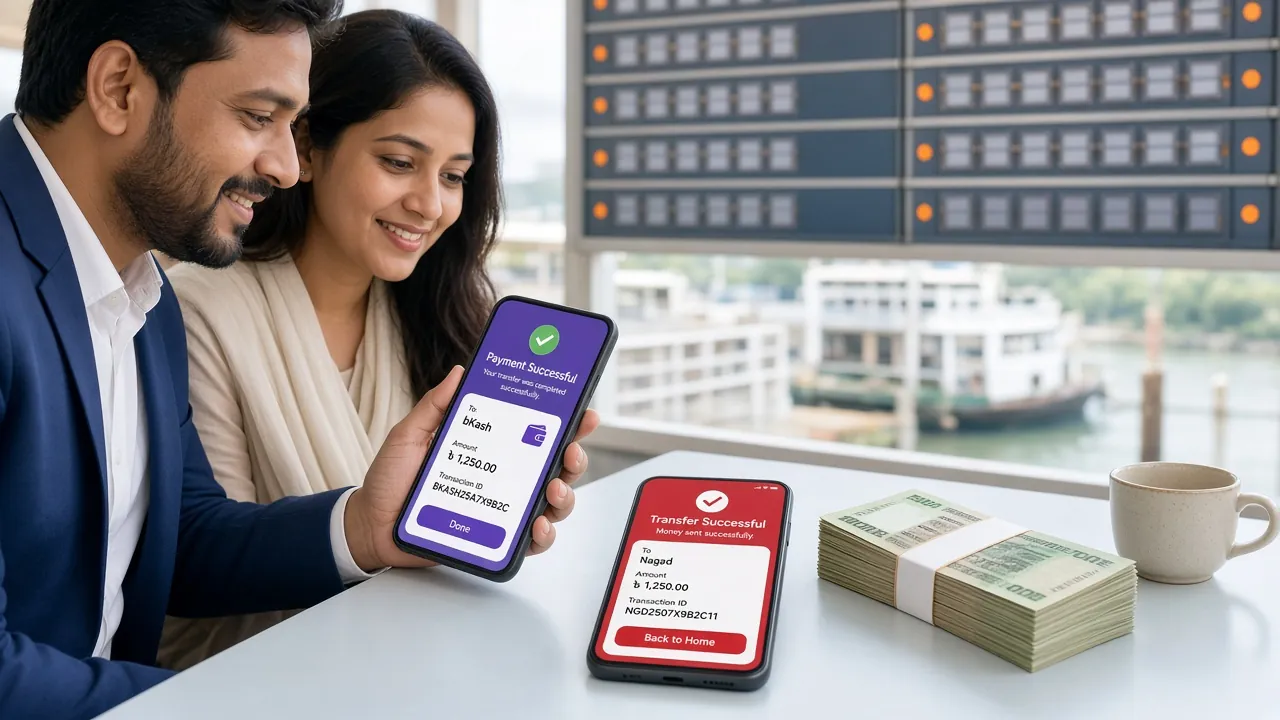
After you send the request, copy or screenshot the transaction ID that appears on screen. When you speak to support later, that number is the most useful thing you can hand over.
Once the request is sent, the History page shows its status: “Processing” means it's being worked on, “Completed” means the money has gone out. Never send the same request twice. A duplicate gets held up and the accounts take longer to settle.
Minimum withdrawal and how long it takes
Writing the limits down in one place makes the maths easier. These are the figures that apply right now:
| Feature | Amount or timeframe |
|---|---|
| Minimum withdrawal | ৳১,০০০ |
| Maximum withdrawal per day | ৳155,000 |
| Normal processing time | 28 minutes |
| First withdrawal, with verification | Up to 6 hours |
| Minimum deposit amount | ৳250 |
| How long a deposit takes to land | 1 minute |
If you go past the daily limit, the rest stays credited for the next day, it isn't lost. If you regularly cash out larger sums, consider moving up a account tier; the daily limit rises with it. Full details are on the Bonus & VIP page.
Which method pays out, and how fast
Every method below works for both deposits and withdrawals. The money always arrives in taka (BDT), so there's no exchange rate to think about.
-
bKash
Deposit 1 minute · Withdrawal 28 minutes
The most widely used option. Take the money to your own registered number.
-
Nagad
Deposit 1 minute · Withdrawal 28 minutes
Quick on merchant payments. Match the last four digits of the number.
-
Rocket
Deposit 1 minute · Withdrawal 28 minutes
You have to add a check digit before the number, and a wrong one sends the request back.
-
Upay
Deposit 1 minute · Withdrawal 28 minutes
The app keeps a clear transaction list, handy when you need proof.
-
Bank transfer
Deposit 1 minute · Withdrawal 28 minutes
Used more for bigger amounts. The account name has to match.
Your identity has to be verified before your first withdrawal, so allow up to ৬ hours for that one time. Once verification is done, later requests are processed within ২৮ minutes.
Why a request usually gets stuck
Most stuck requests come from a few small slips. Run through the list below:
- Someone else's number: the wallet account isn't in your name. Only use a number registered to you.
- Method doesn't match: you deposited with Nagad but asked for bKash. Take the money out through the same method you paid in.
- Verification still pending: if you didn't send papers on the first request, or the photo was blurry, the request waits.
- Bonus terms not met: money taken with a bonus has to clear its terms before you withdraw. Each bonus page spells out what applies.
- Daily limit crossed: anything over ৳১৫৫,০০০ in one day rolls to the next day.
- Account details don't match: a single letter off in your name, date of birth or number has to be corrected first.
If a request gets stuck, fix the mistake yourself first, then message ২৪/৭ live chat with the transaction number. Firing off new requests for the same problem makes the accounts hard to reconcile.
Identity verification before your first withdrawal on 966OK
You verify your identity just once, before your first payout. The rule follows international anti-money-laundering standards, and it also keeps anyone else out of your account.
Which documents you need
Any one of these three is accepted:
- National ID card (NID)
- Passport
- Driving licence
The name and date of birth on the document must match your account details. If they don't match, your money gets held, so check it first.
Rules for uploading the photo
- In the Wallet section, tap the “Verify Identity” card and pick which document you are submitting.
- Take the picture with your phone camera in clear light — not a photocopy or a screenshot.
- Upload the photo and submit it; you need both the front and the back of the same document.
Keep all four corners inside the frame, make sure the text is not blurry, and don't let glare cover the numbers. Checking usually finishes within 6 hours. When a document is sent back, it is usually because the photo was unclear or a corner was cut off — a fresh photo gets it done.
Where your information is kept
Uploaded documents are used only to verify your account and meet legal obligations. They are never used for advertising or handed to any other company. You can see your own verification status on the Wallet page whenever you want.
Mistakes that cost you money when withdrawing to bKash or Nagad
You may know the withdrawal steps, but one careless move can send your money to someone else. Keep these four rules in mind.
Your PIN and OTP are for no one else
If someone calls saying they are from our team, or asks for your PIN, OTP or password in a message, do not give it under any circumstances. Support never asks for this information.
Send only to the number shown on the site
Always get the deposit number from the Deposit page in your account. If you send money to a number you got from a Facebook group, WhatsApp or SMS, there is no guarantee of getting it back.
Keep the screenshot and the transaction ID
Save a screenshot after every deposit and withdrawal. If the money doesn't arrive, the transaction ID and the time are enough to trace it quickly.
Don't act on unknown calls and links
Ignore calls and links like “your account will be closed” or “click here to get your bonus”. Whatever you need, do it directly in the app or on the site.
What to do if the money doesn't arrive or comes back
Answers to more questionsA problem you can name gets fixed faster. In the list below, match the issue on the left with the action on the right.
| Problem | Likely cause | What to do |
|---|---|---|
| Money didn't show up in the balance after depositing | One digit in the number was wrong, or the transaction ID was not written in the memo | Send the transaction screenshot and ID to 24/7 live chat |
| The withdrawal request came back | The withdrawal method doesn't match the deposit method, or the number is in someone else's name | Withdraw to the same method you deposited with, and give a number opened in your own name |
| Status is showing “Verification pending” | No document was submitted, or the photo is blurry or a corner is cut off | Take a new photo in good light and upload it again |
| The request was partially approved | The daily limit of ৳155,000 was exceeded | Ask for the rest the next day, or think about raising your account tier |
| The balance is showing less than it should | The page is showing old information, or the bonus conditions are not finished yet | Refresh the transaction list; if it still doesn't match, write in with a screenshot of your history |
| I entered the wrong transaction ID | A letter or digit changed while entering it by hand | Send the correct ID and screenshot to support and get it corrected |
There's no need to panic if the money doesn't reach your phone. First check the transaction list to see whether the money shows as “Completed”, then check the message in your wallet app. If the wallet app is full or the number is closed, the money comes back and returns to your balance.
Short answers to common questions
1. How long does a withdrawal request take to process?
Usually 28 minutes. But your first request has to go through an identity check, so that one can take up to 6 hours. Once the check is done, later requests are quick again.
2. What is the minimum withdrawal amount?
Minimum ৳১,০০০. The smallest deposit is ৳২৫০, so you can start small and take out a bigger amount later. Up to ৳১৫৫,০০০ can be withdrawn in a single day.
৩. Which document do I need before my first withdrawal?
Any one of three: National ID card, passport or driving licence. Send clear photos of the front and back and the check is usually done within ৬ hours. The name on the document has to match the name on the account.
৪. What should I do first if the money doesn't arrive?
Check the status in your transaction list. If it says “Completed”, check the messages in your wallet app. If nothing is there, take the transaction ID and a screenshot and write to 24/7 live chat — you get an answer any time, day or night.
৫. Can I withdraw money from the app?
Yes. The app and the website run on one account and the balance stays the same in both. For the app, download the file from the APK page. Any time you want, you can head to the login page and get in through the browser instead.
৬. I sent the same request twice — what happens now?
One is processed, the other gets held. If your balance was charged twice, tell live chat and the extra part is returned. Always glance at your history before sending a new request.
Withdrawals only once your account is open
New to 966OK? Register first, then deposit from ৳২৫০ and start playing. Your first deposit gets a ১৬০% bonus, up to ৳১৬,৫০০ added. Keep your ID ready before the first withdrawal after opening the account and the money won't get stuck.